Prepare business card artwork before the proof.
A careful preflight catches the errors that are most expensive after approval: a wrong digit, a clipped logo, a QR code that opens the wrong page or a line too close to the trim.
Check the message, file and real-world handoff.
- Identity: spell the business name, person, role and offer the way they should appear publicly.
- Contact: call the printed number, send a test email and type the URL manually.
- Layout: keep important type and marks safely inside the trim area. Extend background color or image through the bleed required by the approved production method.
- Color and images: use the supplied logo file, inspect small type at actual size and check that photos remain clear when reduced.
- Action: scan every QR code from a second device, test the destination and include a plain-text fallback such as a short URL.
What to send with the file
Include the finished size, quantity, one-sided or two-sided intent, preferred stock or finish, deadline and who is authorized to approve the proof. If the artwork is not ready, send the content, logo and examples of the visual direction instead. Design scope and revision limits should be agreed before work begins.
Approval is a real checkpoint
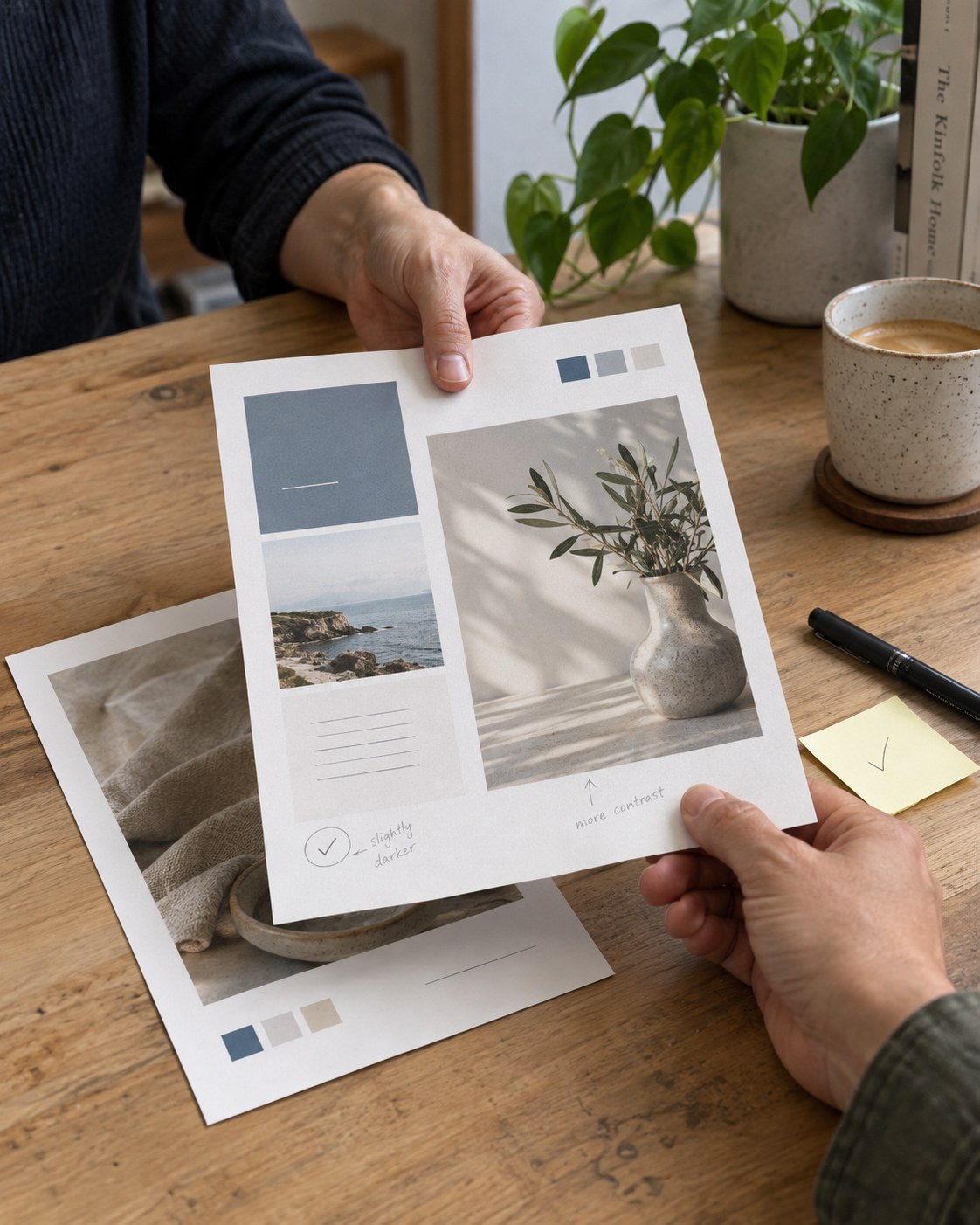
Ask the final approver to review the proof at 100 percent and at actual printed size. A proof is the place to catch a typo, not after a run is produced. Save the approved version with a date or version name so staff know which file is current.
Make the proof easy for the right person to approve.
Send the project details, identify the decision maker and leave room for a practical review. Rolando can help you decide what needs to be fixed before the print path begins.